Arrange the sequence
Put screenshots in the order your reader should follow.
 StepStitch
Private by design
Arrange, crop, cover sensitive details, and export without uploading your images.
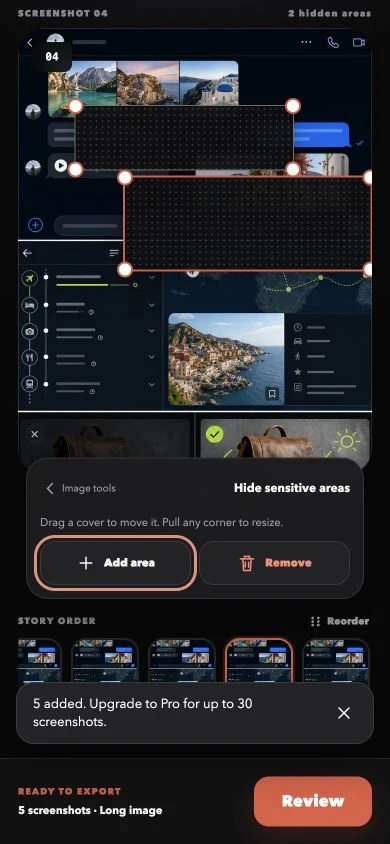
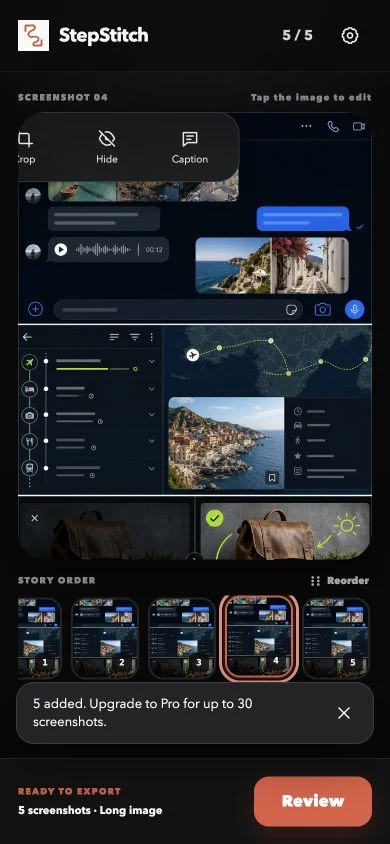
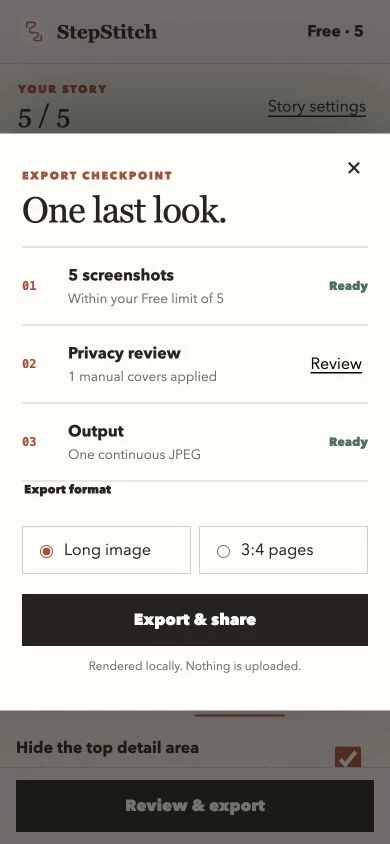
Every control is built around the image you are editing, then one final review catches details before export.
Put screenshots in the order your reader should follow.
Crop distractions, add a caption, and place resizable privacy covers exactly where needed.
Confirm the image count, privacy areas, layout, and output before sharing.
StepStitch has no account system, advertising, analytics, tracking, or cloud upload. Your selected images and editable draft remain on your iPhone.
Read the privacy policyBuilt for guides, tutorials, product notes, and any moment where screenshots need a clear order.